How to Use Usfans Spreadsheet in 2026 — Complete Walkthrough
This is a neutral, source-based walkthrough of how the Usfans spreadsheet workflow operates, assembled from publicly verifiable information about Chinese buying agents rather than any personal purchase. We do not place test orders, and we do not assign our own star ratings. Treat the steps below as a generic process map: confirm every fee, weight and shipping line directly inside the Usfans platform before you commit money, because those numbers change frequently and vary by route and parcel.
What is the Usfans spreadsheet?
A "spreadsheet" in this context is a community-maintained list of product links (usually Taobao, Weidian or 1688 listings) that shoppers paste into a buying agent to order. Usfans is one such buying agent. The mechanics are the same across the category: an agent purchases the item from the Chinese marketplace on your behalf, receives it at a domestic warehouse, photographs it for quality control, then consolidates and forwards it internationally. A clear plain-language description of that agent model is documented by Repsheet's tutorials.
It is worth knowing that agents are largely interchangeable. Directories such as JadeShip list Usfans alongside kakobuy, joyagoo, acbuy, mulebuy, allchinabuy, hoobuy, superbuy, cssbuy, oopbuy and loongbuy. The same spreadsheet links generally work on any of them, so the spreadsheet itself is not unique to Usfans — your choice of agent mainly affects fees, shipping routes and support quality.
Step-by-step: ordering from a spreadsheet
- Create and verify an account on the official site, usfans.com. Use the genuine domain to avoid lookalike phishing pages.
- Copy a product link from the spreadsheet. Most agents accept a raw Taobao/Weidian/1688 URL or an agent-formatted link.
- Paste the link into the order tool and select the variant — size, colour and quantity. Confirm these against the listing, since spreadsheet entries can drift out of date.
- Pay the item subtotal into your agent balance. The agent then buys from the seller.
- Wait for warehouse arrival. Transit time from seller to the agent's domestic warehouse depends on the seller, not the agent; verify status in your dashboard rather than relying on a fixed estimate.
- Review the QC photos the agent uploads (see the checklist below) and approve or request a return/exchange.
- Submit a shipping parcel. Choose which items to consolidate, pick a carrier line, and pay the international freight quote shown at that moment.
Fees, coupons and hidden costs
Do not trust any single "verified" fee figure — including ones in older versions of this guide — because agent pricing is adjusted often. Check the current service fee, payment-processing surcharge and storage policy inside your Usfans account before ordering. For context, published surveys of the agent market put service commissions broadly in the 0–10% range, with several agents clustering at the low end; see the breakdown at HowToTao. We do not list coupon codes here: discount codes expire, get region-locked, or are simply invented, so confirm any promotion on the official site rather than copying a code from a third party.
Shipping cost & the 2025 customs change you must know
This is the single most important update for anyone reading older spreadsheet guides. The long-standing assumption that low-value parcels slip into the United States duty-free no longer holds. The US de minimis exemption was first removed for China-origin shipments effective 2 May 2025 per the White House fact sheet, and then suspended for all countries effective 29 August 2025 under a subsequent presidential action, which states the treatment will "no longer apply to any shipment of articles ... regardless of value." To put the scale in perspective, CBP had been clearing roughly four million such shipments a day — about 1.36 billion parcels in FY2024 — as documented by Red Stag Fulfillment.
The practical consequence: any 2026 budget for a US-bound haul must now add duties and brokerage on top of the agent's freight quote. Any older Usfans guide that advertised a tiny "delivered" total for a sub-$800 parcel is describing a world that no longer exists. Always treat the agent's shipping calculator as the freight cost only, then budget separately for import charges.
QC photos: what to check
When the agent uploads quality-control images, inspect them before approving shipment:
- Logos, stitching and font spacing match the official product.
- Correct size and colourway versus what you ordered.
- No visible defects — loose threads, glue marks, scuffs or misaligned panels.
- Accessories, tags and packaging are present if expected.
- For shoes, check the box label, sizing tag and pairing of left/right.
If anything looks wrong, raise it before paying for international shipping — disputes are far easier while the item is still in the warehouse.
Usfans vs other agents
Compare agents on total landed cost — item price plus service fee plus freight plus duties — rather than on the headline commission alone. A low commission can be wiped out by an expensive shipping line, and vice versa. The scoring methodology published by NewBuyingAgent is a reasonable framework: weigh fees, route options, consolidation quality and support together. Because the same spreadsheet links work on most agents, it is sensible to price an identical cart on two or three platforms before deciding.
Usfans reputation (third-party)
For independent feedback, consult the live Trustpilot profile rather than any rating quoted in a promotional post. Open trustpilot.com/review/usfans.com to see the current TrustScore and review count for yourself, and read a spread of both recent five-star and one-star reviews. Pay attention to patterns in the critical reviews — warehouse processing time, return handling and support responsiveness are the themes most worth checking before you commit a large order.
Why people use agents (market context)
Cross-border shopping through agents sits inside a fast-growing market: cross-border e-commerce was valued at roughly USD 2.2 trillion in 2024 and is projected to reach USD 18.2 trillion by 2034, according to market.us. The category also overlaps with replica and counterfeit goods, a space the OECD estimated at USD 467 billion in global trade in its 2025 report, with sneakers a notable segment as detailed by RunRepeat. Buyers should understand the legal and customs risks that come with this territory.
Pros and cons
Potential pros: access to Chinese marketplace listings that do not ship internationally; consolidation of multiple sellers into one parcel; QC photos before shipping; a no-markup item-price model is common in this category.
Potential cons: service fees and freight can add up; warehouse and return timelines vary; import duties now apply to US-bound parcels of any value; and quality is only as good as the underlying seller, not the agent.
FAQ
Will I pay import duties in 2026? For the US, almost certainly yes. The de minimis exemption that previously let low-value parcels enter duty-free was suspended for all countries in 2025, so budget for duties and brokerage on top of freight.
Is the Usfans spreadsheet different from other agents' spreadsheets? Generally no. The spreadsheet is just a list of marketplace links; the same links usually work across most agents listed on directories like JadeShip.
How do I check current Usfans fees? Log in at usfans.com and read the live fee schedule and shipping calculator. Do not rely on figures quoted in third-party articles.
Where can I see honest reviews? The Trustpilot profile at trustpilot.com/review/usfans.com shows the current score and lets you read recent positive and negative reviews directly.
Bottom line
The Usfans spreadsheet workflow is a standard buying-agent process: paste a link, pay, QC, consolidate, ship. The platform is one interchangeable option among many, so judge it on total landed cost and on its current Trustpilot feedback rather than on any single advertised number. Most importantly, recalculate your budget for the post-2025 customs reality: low-value US parcels are no longer duty-free, and any guide that still implies otherwise is out of date.
Sources
- Repsheet — how buying agents work
- JadeShip — supported-agent directory
- Usfans official site
- HowToTao — agent service-fee comparison
- White House — closing de minimis for China-origin shipments
- White House — suspending de minimis for all countries
- Red Stag Fulfillment — de minimis parcel volume
- NewBuyingAgent — landed-cost scoring methodology
- Trustpilot — Usfans profile
- market.us — cross-border e-commerce market size
- OECD — global trade in fake goods (2025)
- RunRepeat — counterfeit sneaker statistics
Popular oopbuy Spreadsheet Products
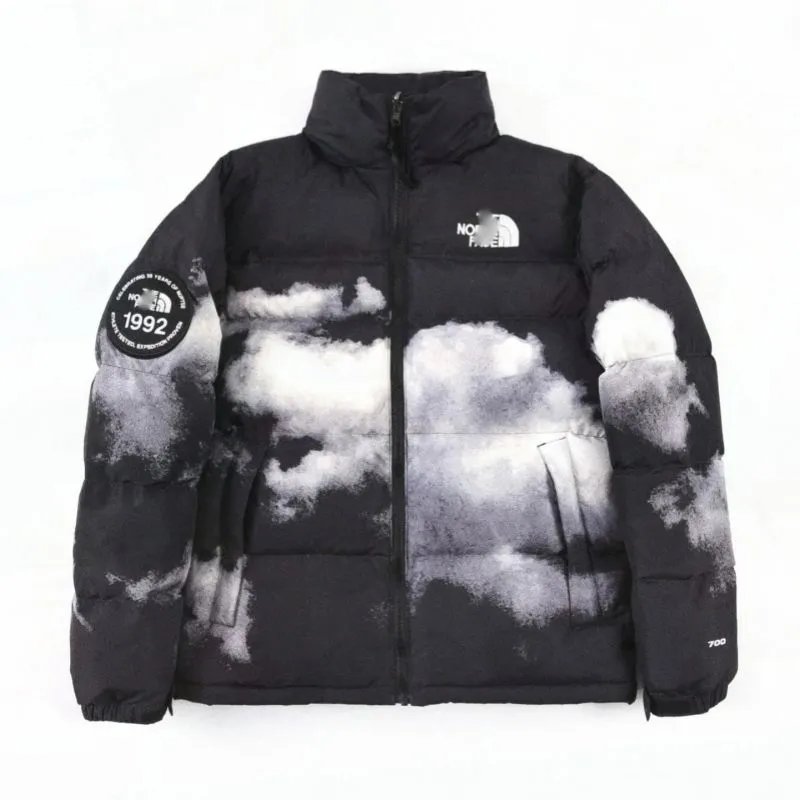
The North Face 1992 Nuptse Cloud Print Black Puffer Jacket - 136796

Moncler Genius 70/30 Down Puffer Vest Black with Ribbed Knit Sleeves - 136793
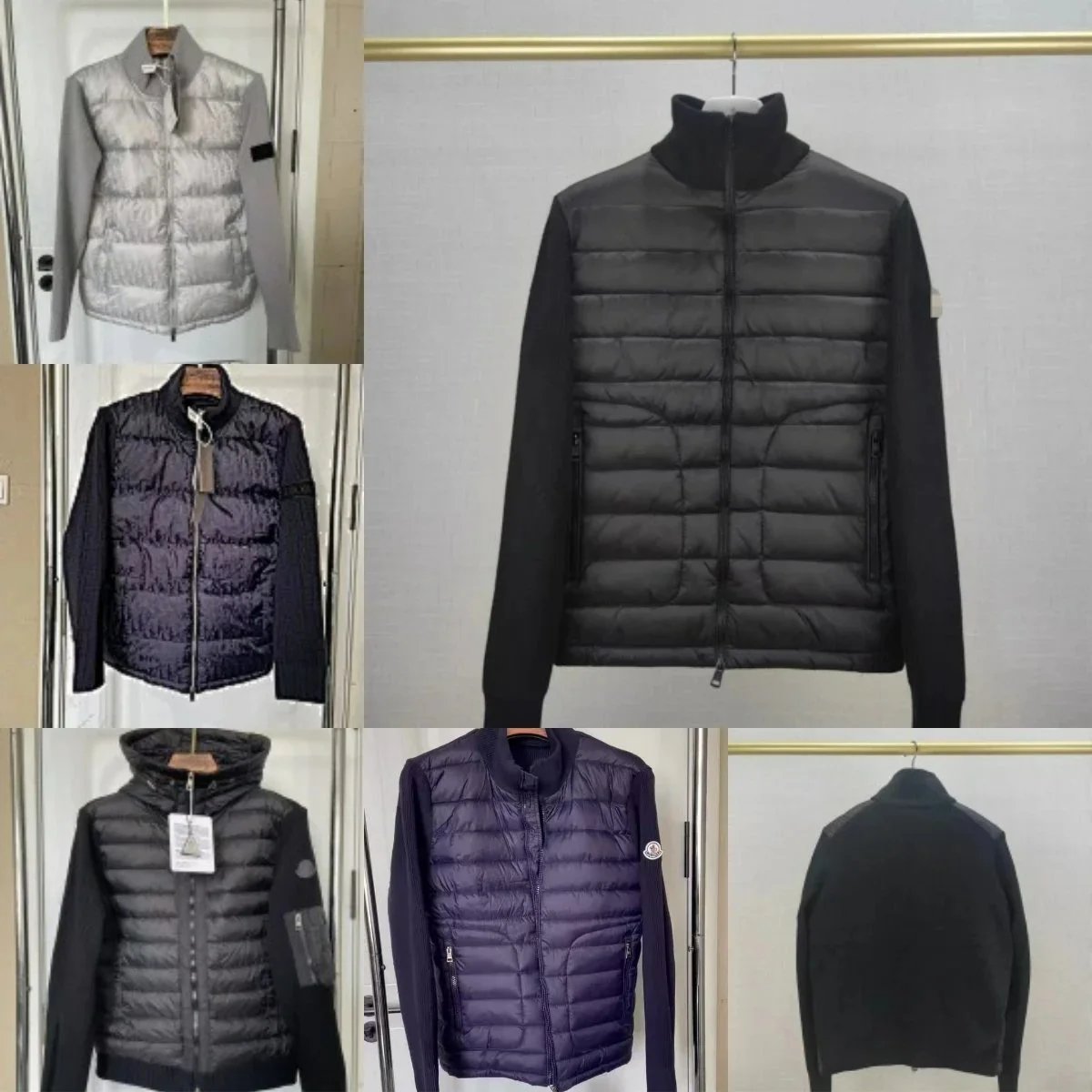
Moncler Genius 70/30 Down Jacket Black High-Collar Hybrid - 136650
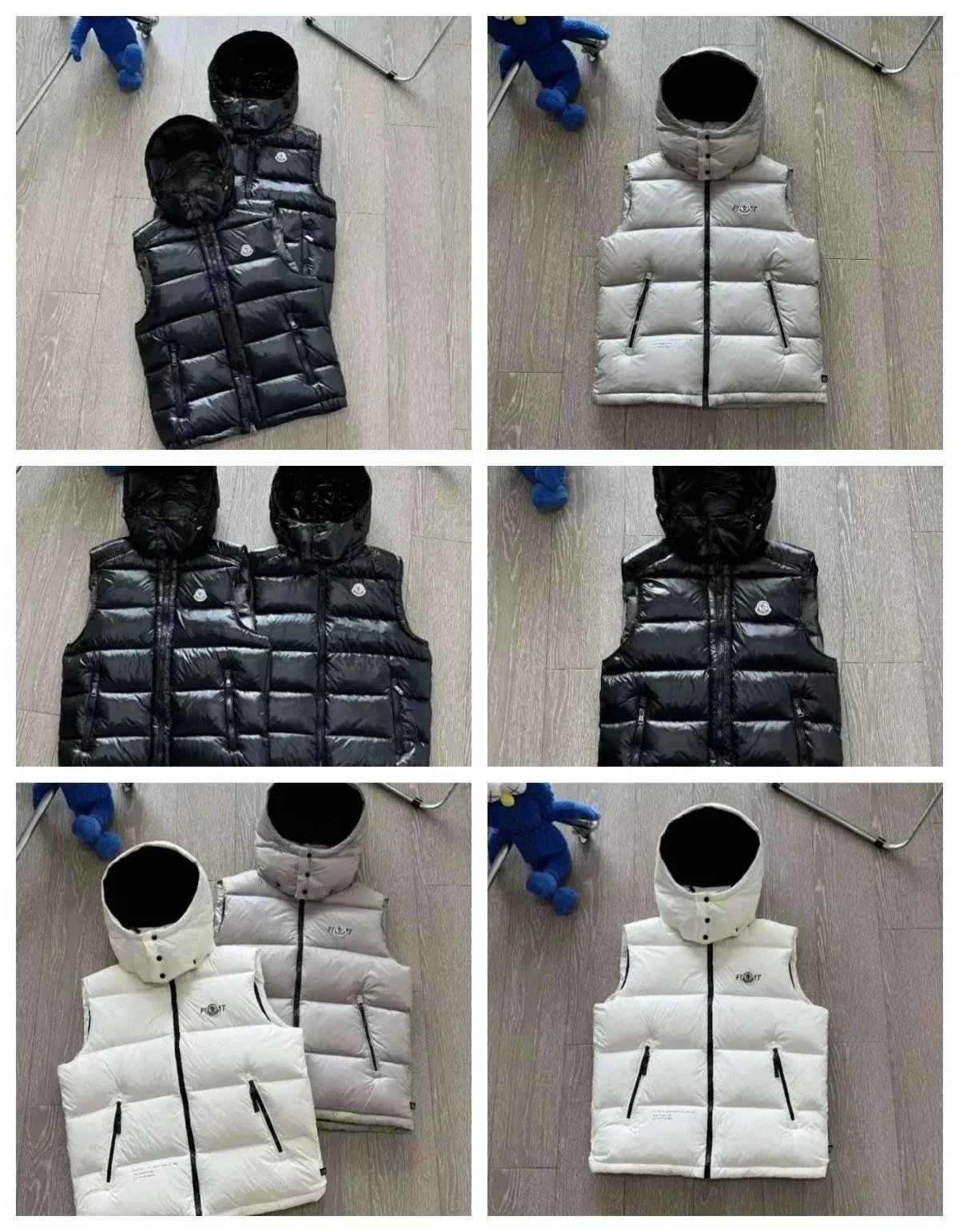
Moncler Genius 70/30 Down Vest with Hood - Black/White/Grey - 136703

Moncler Genius 70th Anniversary Fiber-Optic Puffer Jacket White - 132589
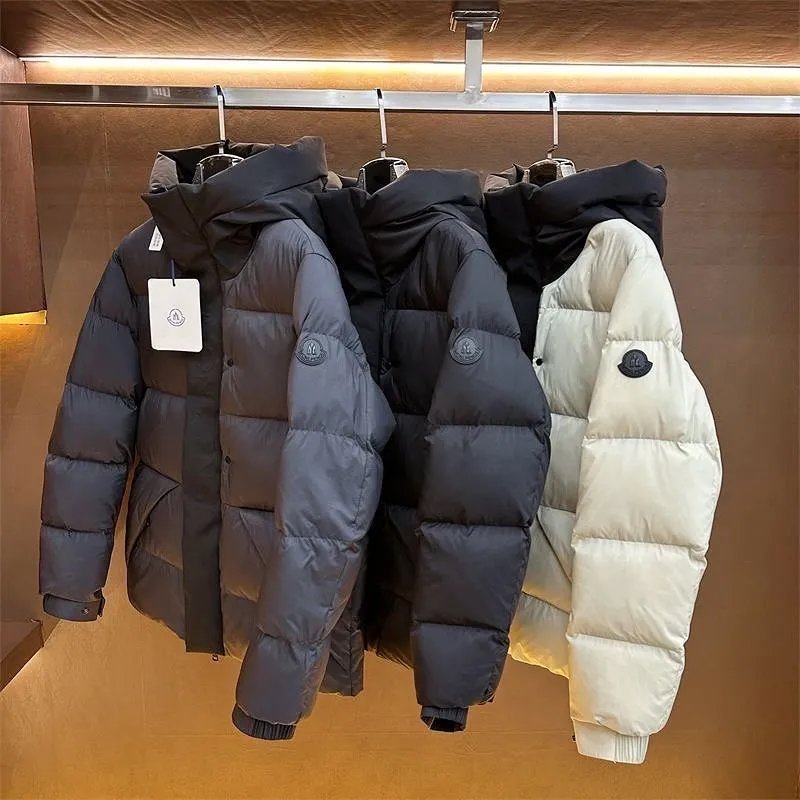
Moncler Genius 70 Down Puffer Jacket - Charcoal Black Hooded - 136573
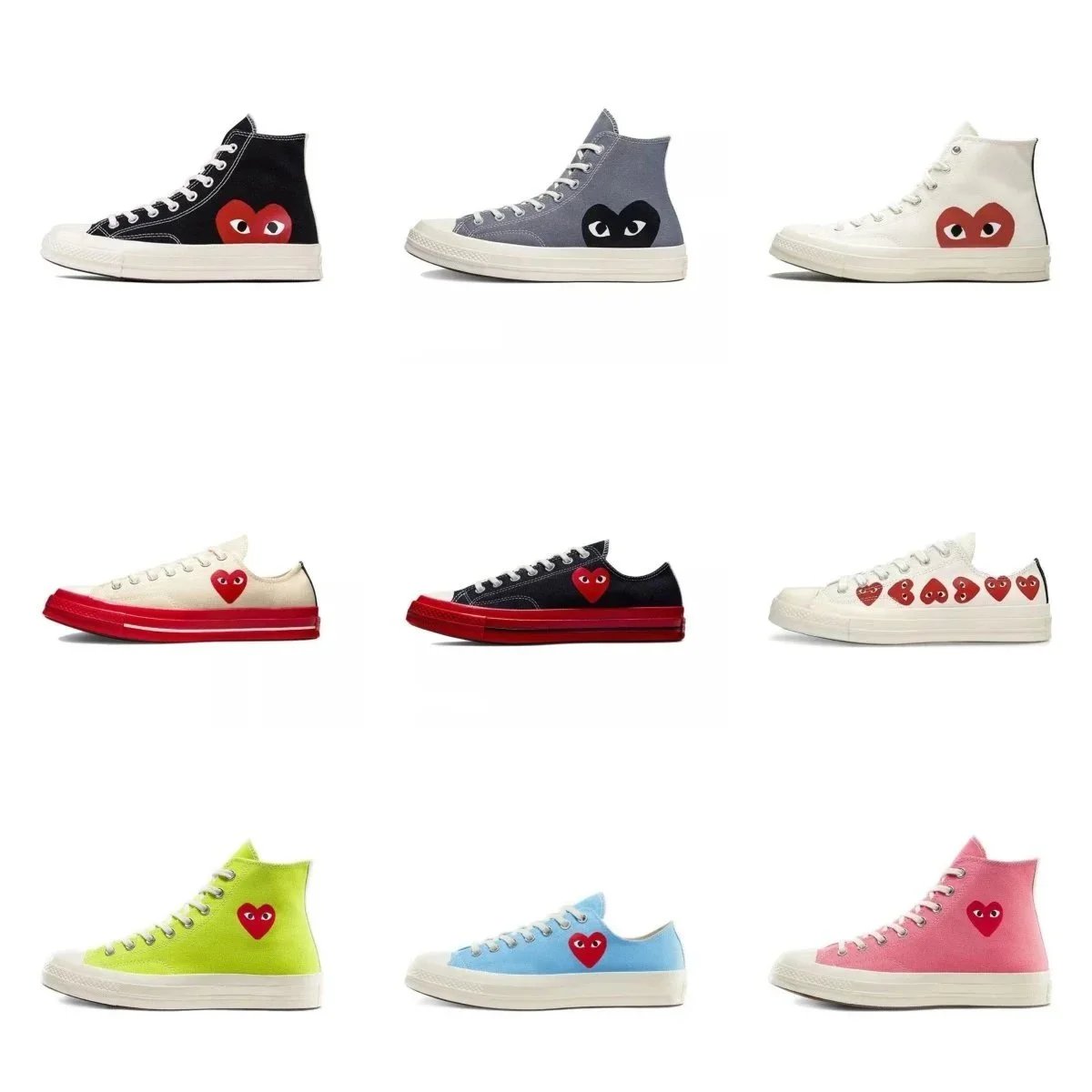
Comme des Garçons Play x Converse Chuck 70 Heart Logo Sneakers - 134874