How to Use Panglobalbuy Spreadsheet in 2026 — Complete Walkthrough
This is a neutral, research-based guide to the Panglobalbuy spreadsheet and how to use Panglobalbuy as a China shopping agent. It aggregates verifiable public information and links every external claim to a primary source. It is not a sponsored endorsement, and it contains no first-person order logs, invented prices, or self-assigned ratings — figures change constantly, so we point you to where you can confirm them yourself before you spend money.
What is the Panglobalbuy spreadsheet?
A "spreadsheet" in the China-shopping community is simply a shared list of product links — usually pointing to Taobao, Weidian, or 1688 listings — that buyers copy and paste into an agent's checkout. The Panglobalbuy spreadsheet is one such list keyed to the Panglobalbuy platform at panglobalbuy.com.
The mechanics of any buying agent are the same. As Repsheet's tutorials describe, the agent purchases the item from the Chinese marketplace on your behalf, receives it into a domestic warehouse, photographs it for quality control, holds it until you are ready, and then forwards the parcel internationally. Panglobalbuy follows this standard reverse-shopping model.
It is worth knowing that agents are largely interchangeable. Aggregators such as JadeShip let a single product link resolve across many competing services — kakobuy, joyagoo, acbuy, mulebuy, allchinabuy, hoobuy, superbuy, cssbuy, oopbuy, loongbuy and others. The same spreadsheet link will generally work with several agents, so Panglobalbuy is one option among many rather than a unique gateway.
Fees, coupons and hidden costs
Do not treat any third-party article (including older versions of this one) as an authoritative fee schedule. Service fees, payment surcharges and storage rules change, and the only reliable figure is the one shown inside your own Panglobalbuy cart at checkout. Verify current fees in-platform before ordering.
For context, independent surveys of the wider market — for example HowToTao's comparison — put typical agent service fees in roughly the 0–10% band of item cost (some agents sit near 0–5%, others at a flat 10%). Use that range as a sanity check: a "0% service fee" claim usually means the margin has moved elsewhere, such as into the exchange rate or payment processing. Watch for several cost layers that are easy to overlook:
- Service or handling fee (or an exchange-rate markup that replaces it)
- Payment-processor surcharges, which differ by method
- Storage fees that begin after a free warehousing window
- Repackaging or QC-photo add-ons
- The international shipping line itself — usually the largest single cost
We are not quoting specific Panglobalbuy fees or coupon codes here because we cannot verify them; any article presenting an exact coupon or rate as "confirmed" should be treated with caution.
Shipping cost & the 2025 customs change you must know
If you are shipping to the United States, the single most important update is that the de minimis duty-free allowance has ended. For years, low-value parcels entered the US duty-free, which is what made agent shopping look so cheap. That door has closed.
In April 2025 the White House announced the removal of de minimis treatment for China-origin goods, effective May 2, 2025 (fact sheet). A subsequent presidential action then suspended the exemption for all countries effective August 29, 2025, so that duty-free entry "no longer applies to any shipment of articles ... regardless of value." The scale of what changed is large: CBP had been processing around 1.36 billion such parcels in FY2024, roughly four million a day.
The practical takeaway for 2026: budget for import duties and any brokerage fees on top of the agent's shipping quote. Any older guide implying that a sub-$800 parcel slips into the US duty-free is now outdated and wrong. Always model your total landed cost, not just the shipping line.
QC photos: what to check
Quality-control photos are the main protection an agent offers, so inspect them carefully before approving forwarding:
- Confirm the item, colorway and size match what you ordered
- Look at stitching, glue lines, logos and print alignment
- Check for scuffs, loose threads or transit-prone damage
- For electronics, ask whether a power-on or function test was done
- Compare against reference images if the community maintains them
If something looks wrong, raise it before the parcel ships — disputes are far harder once an item has left the warehouse.
Panglobalbuy vs other agents
The most common mistake is comparing agents on advertised commission alone. As NewBuyingAgent argues, the figure that matters is total landed cost — item price, service fee, payment surcharge, the actual shipping line for your weight and destination, and now duties. A "0% fee" agent can easily cost more than a "5% fee" one once exchange-rate markup and shipping are included.
Because the same spreadsheet link resolves across many agents on JadeShip, the pragmatic approach is to price an identical basket on two or three services (Panglobalbuy plus a couple of alternatives) and compare the final checkout totals before committing.
Panglobalbuy reputation (third-party)
For independent feedback, check the live Trustpilot profile rather than relying on any rating quoted in a promotional article: trustpilot.com/review/panglobalbuy.com. We deliberately do not state a score here, because review counts and TrustScores shift over time. Open the profile yourself, read both the most recent five-star and one-star reviews, and weigh whether the complaints describe issues you would find acceptable.
Why people use agents (market context)
Demand for buying agents tracks the broader growth of cross-border e-commerce, which market.us sizes at roughly USD 2.2 trillion in 2024 with long-range projections approaching USD 18.2 trillion by 2034. Agents let shoppers reach Chinese marketplaces that do not ship internationally, and consolidate multiple sellers into one parcel.
A buyer-beware note: a meaningful share of agent-sourced goods are replicas. The OECD's 2025 report put global trade in fake goods at about USD 467 billion, and the counterfeit-footwear data compiled by RunRepeat shows how concentrated that market is in categories like sneakers. Counterfeits can be seized at customs and carry quality and legal risks — factor that in before ordering.
Pros and cons
Potential advantages: access to Taobao, Weidian and 1688 sellers that do not ship abroad; consolidation of several orders into one parcel; QC photos before forwarding; an interchangeable spreadsheet workflow.
Drawbacks and risks: total cost rose sharply once US de minimis ended; fees and surcharges can be opaque; counterfeit exposure with customs and quality risk; reputation and reliability vary, so independent reviews matter; you depend on a third party to inspect and forward accurately.
FAQ
Is the Panglobalbuy spreadsheet free to use? The spreadsheet itself is just a link list and is generally free to copy. Costs arise only when you order, pay fees and ship. Confirm all charges at checkout.
Will I pay import duties in 2026? For US shipments, very likely yes. The de minimis duty-free exemption ended in 2025 for China-origin goods and then for all countries, so parcels that once entered duty-free can now incur duties regardless of value. Budget accordingly.
Is Panglobalbuy the only agent that works with the spreadsheet? No. The same product links typically resolve across many agents via aggregators like JadeShip, so you can price-compare freely.
How do I judge whether Panglobalbuy is trustworthy? Read its current Trustpilot profile, focusing on recent reviews at both ends, and test it with a small low-value order before committing to anything larger.
Bottom line
Panglobalbuy is one of many largely interchangeable China shopping agents, and the Panglobalbuy spreadsheet is a standard link list rather than anything proprietary. Treat advertised fees and any quoted ratings as unverified until you confirm them at checkout and on Trustpilot. The decisive 2026 factor for US buyers is the end of de minimis: model your total landed cost including duties, compare that total across a couple of agents, and start small. We assign no numeric score — the honest verdict is "verify before you buy."
Sources
- Panglobalbuy official site (panglobalbuy.com)
- Panglobalbuy Trustpilot profile
- Repsheet — how a buying agent works
- JadeShip — supported-agent aggregator
- HowToTao — agent service-fee comparison
- White House — de minimis closed for China-origin goods (May 2, 2025)
- White House — de minimis suspended for all countries (Aug 29, 2025)
- Red Stag Fulfillment — CBP de minimis parcel volume (FY2024)
- NewBuyingAgent — compare on total landed cost
- market.us — cross-border e-commerce market size
- OECD — global trade in fake goods (2025)
- RunRepeat — counterfeit footwear statistics
Popular oopbuy Spreadsheet Products
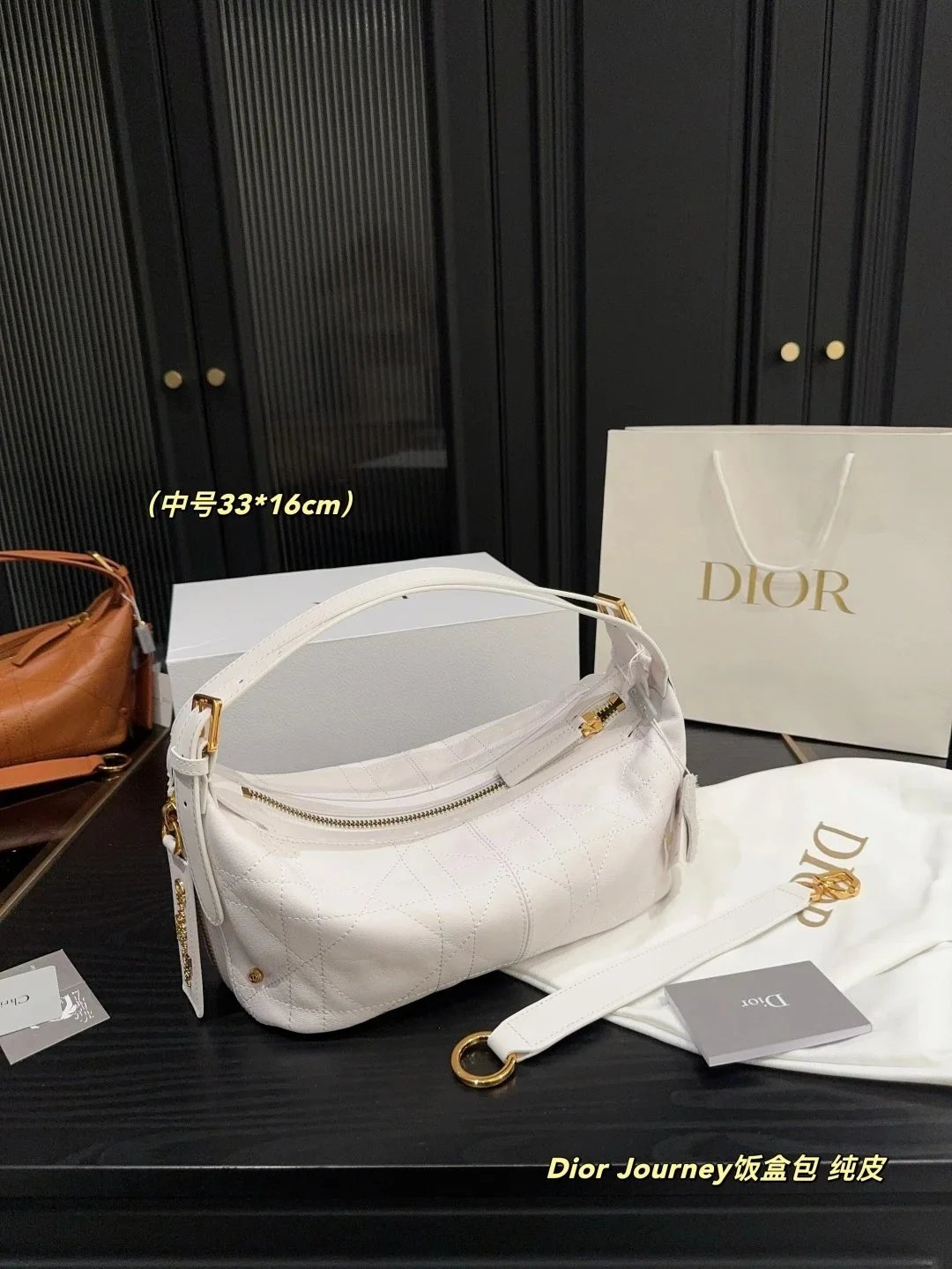
Dior Journey Lunch Box Bag White Quilted Calfskin with Gold Hardware - 133189
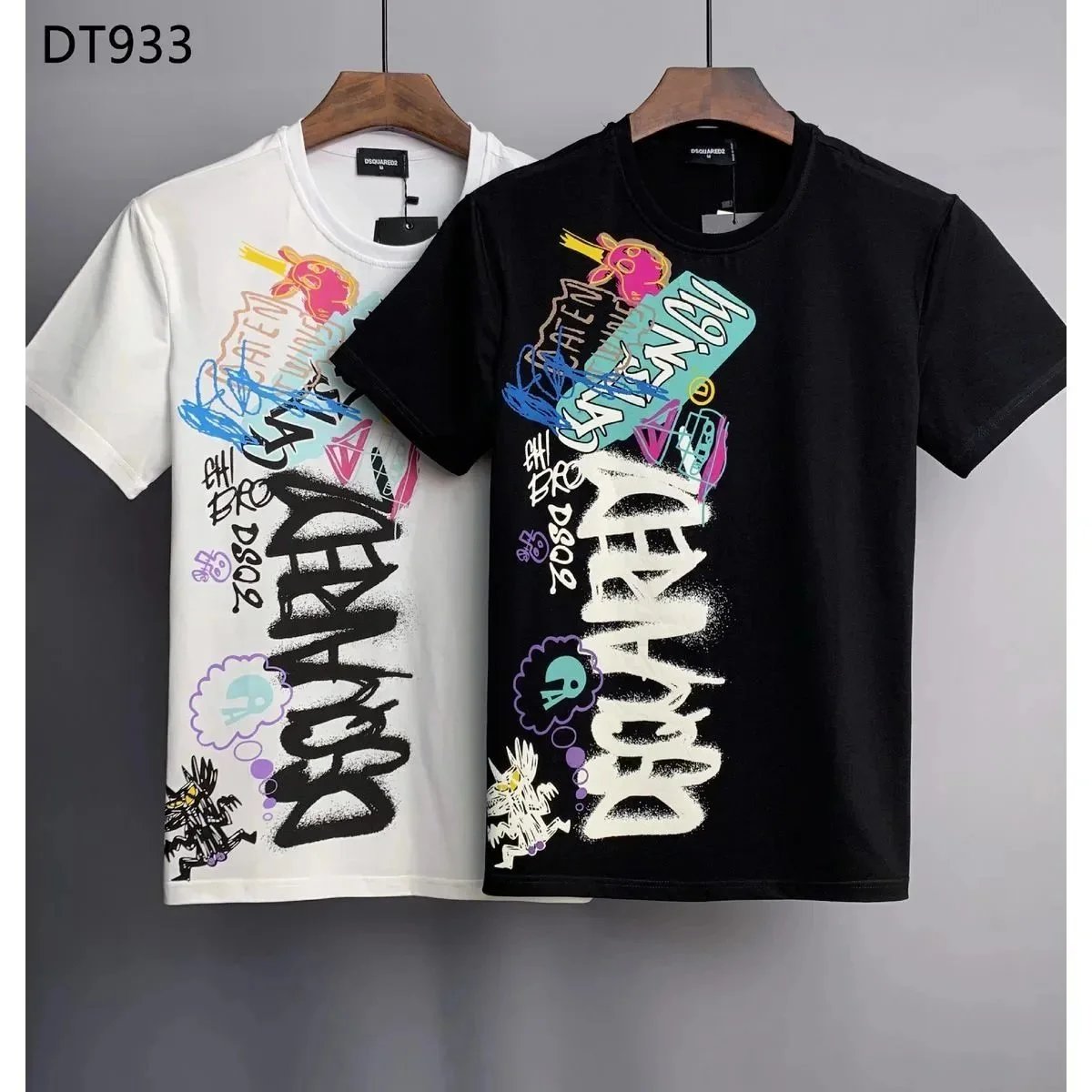
Dsquared2 DT933 Graffiti Print T-Shirt Black and White - 135263
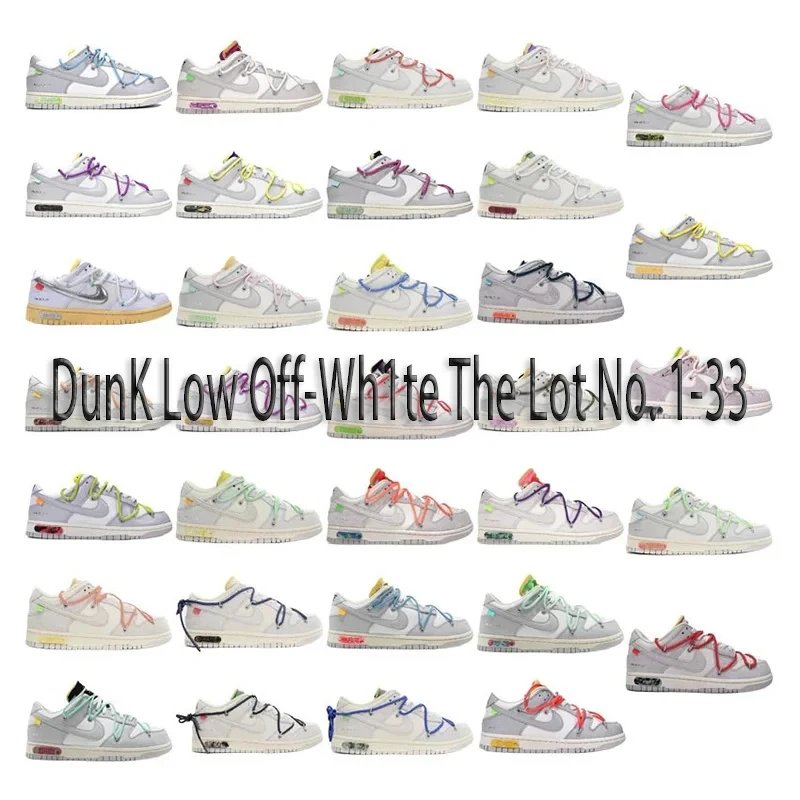
Nike Dunk Low Off-White The 10 'Lot No. 1-33' Custom Lace Sneakers - 134893

Louis Vuitton Oversized LV Logo Patchwork Sweatshirt Navy-Cream - 134851

FENDI Monster Eyes Black Sweatshirt with Zip Pocket - 136565

Chanel 22 Bag Black Quilted Lambskin with Gold Chain - 131770

Dior B23 Low-Top Sneakers with Oblique Pattern and Chunky Sole - 132270